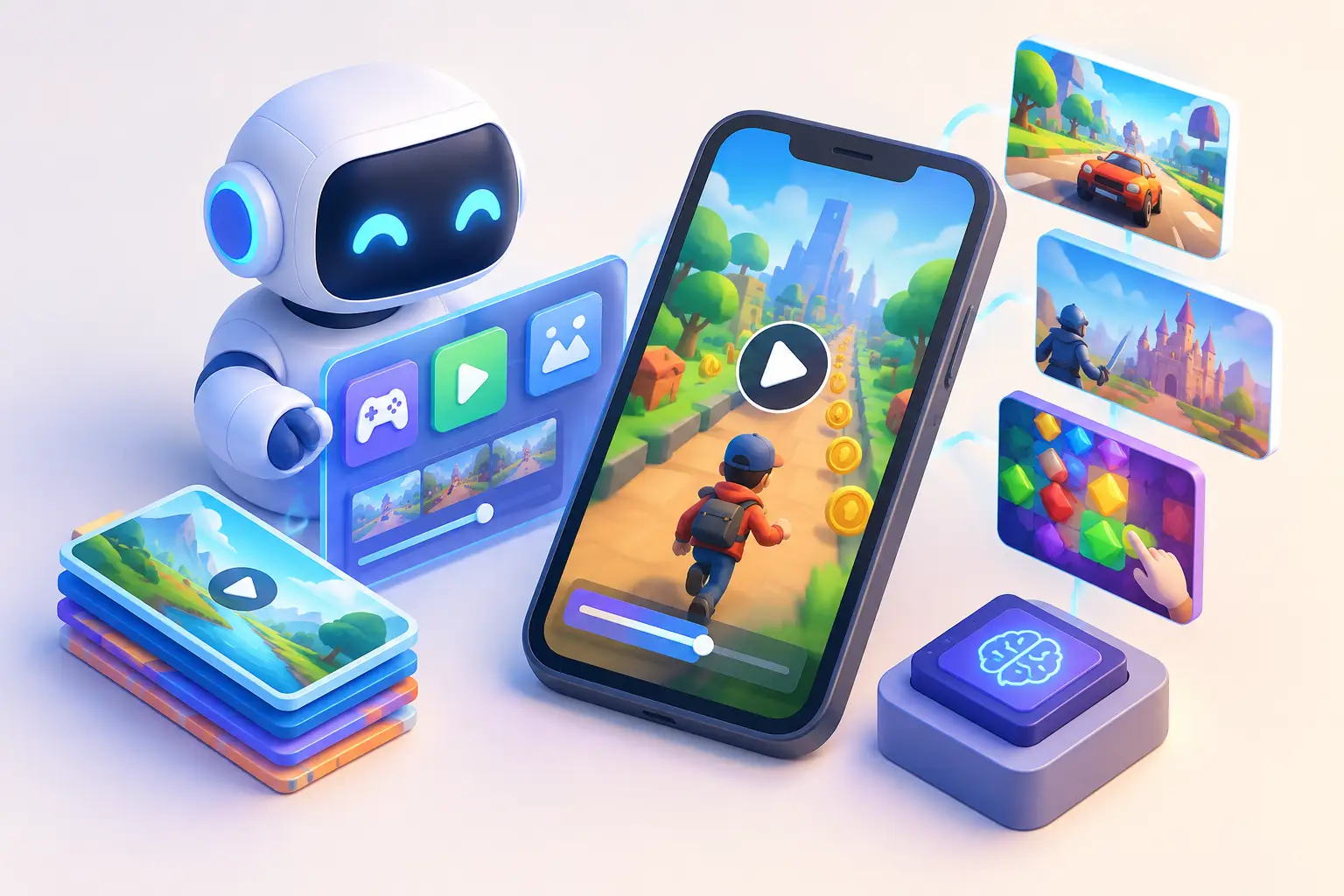
A strong AI playable ad generator should not just turn a prompt into something that looks interactive. It should help your team produce a testable playable ad: one with a clear first interaction, readable feedback, a believable game loop, and an export that survives real ad-network validation.
That distinction matters. UA teams do not need more polished mockups sitting in a design folder. They need more viable creative hypotheses in market. AI can remove friction from concepting, scene setup, copy variations, and asset production. It cannot decide which mechanic best represents your game, whether a fail state creates useful intent, or whether a playable ad is technically ready to launch.
What an AI playable ad generator should actually create
The useful output is not a finished campaign by default. It is a working starting point your creative and UA teams can inspect, edit, and turn into variations quickly.
For a merge game, that may mean a two-scene prototype: drag matching items together in the first scene, then show an upgraded board and a clear call to action in the second. For a runner, it may be a one-tap lane-switch interaction that demonstrates dodging, collecting, and a near miss before the end card. The mechanic should be simple enough to learn without a tutorial, but specific enough that players understand what they are installing.
An effective generator can help with several production tasks at once: translating a written concept into scenes and interactions, suggesting a basic game loop, generating UI copy, creating placeholder assets, and producing alternate visual treatments. The highest value comes when those pieces remain editable. If changing a reward label, swap target, sprite, or event timing means rebuilding the ad from scratch, the speed gain disappears after the first draft.
A good workflow also distinguishes between generated placeholders and approved game assets. Placeholder art is useful for validating an interaction. Brand-sensitive characters, store screenshots, and core gameplay visuals need deliberate review before launch.
AI is fastest at the blank-page problem
Traditional playable production often stalls before anyone writes code. A UA manager has an angle based on a winning video. A designer has a rough storyboard. A developer needs a clearer specification. By the time the idea passes through reviews and implementation, the campaign window may have moved.
AI shortens that early loop. Give it a narrow brief, not a vague request such as “make a fun ad.” The best briefs specify the source material, the interaction, the audience promise, and the desired ending.
For example: “Create a 15-second playable ad inspired by this match-3 fail video. The player gets three swaps. The first move creates a large cascade, the second reveals an obstacle, and the third narrowly fails. End with a retry-focused CTA.” That is concrete enough to create a structure worth reviewing.
The output still needs a creative owner. In practice, teams move faster when they treat AI as a production assistant that proposes a first playable structure, while a strategist decides what question the creative is testing. Is the test about the satisfaction of a large combo? The drama of a hard puzzle? A promise of progression? One playable ad should usually answer one primary question.
The playable ad mechanics that deserve human judgment
Generated playables commonly fail in predictable ways. They include too much gameplay, hide the tap cue, use an interaction that does not match the visual prompt, or make success and failure feel random. These are not minor polish issues. They change how a player interprets the game.
Start with the first three seconds. A player should immediately see where to tap, drag, or swipe. Animated hands can help, but the object itself should invite interaction. A glowing merge target, an empty slot, or a visibly blocked path is often more effective than a paragraph of instructions.
Then make the response immediate. When the player acts, the screen should animate, update a score, trigger a reward, or clearly change the state of the game. Delayed feedback makes an ad feel broken, especially inside an ad placement where attention is already limited.
Finally, choose the right outcome. A success path works well when the core promise is competence or power fantasy. A near-fail path can work when the goal is to create curiosity and motivate a retry or install. Neither is universally better. A puzzle game that relies on satisfying solutions may lose credibility with a fake failure. A dramatic rescue game may benefit from showing the consequence of one bad choice.
AI can generate the skeleton, but a person familiar with the game should check whether the interaction tells the truth about the experience. The ad does not need to reproduce every system in the app. It does need to make an honest, compelling promise.
A practical AI playable ad generator workflow
Use AI to accelerate the work that benefits from volume, then reserve focused review time for the decisions that affect campaign quality.
1. Begin with proven source creative
Start from a winning video, a high-performing static concept, player feedback, or a known in-game moment. Do not ask AI to invent a direction when your team already has evidence. A video-to-playable workflow is especially useful here: identify the moment that earns attention, then turn that moment into the first interaction.
If a video shows a player choosing the wrong upgrade, make the playable choice the player must make. If a static ad highlights a packed inventory, make the first action sorting, merging, or clearing that inventory.
2. Write one interaction brief
Define the objective, player action, feedback, and end state in four lines. For example: objective: save the character. Action: drag three planks into gaps. Feedback: each placement stabilizes the bridge. End state: the final gap is too wide, followed by a CTA.
This gives AI enough structure to create a coherent draft and gives reviewers a simple reference point. If the draft adds a shop, a second mechanic, and five buttons, it has drifted from the brief.
3. Generate a draft, then simplify it
The first output often contains more than the ad needs. Remove secondary controls, extra instructions, and decorative animation that competes with the primary action. A playable ad is not a miniature game build. It is a short, controlled interaction designed to communicate one compelling experience.
Keep the number of actions low. One meaningful action can outperform a complicated sequence when it is easy to understand and satisfying to complete.
4. Build variations around one variable
Once the interaction works, create variants deliberately. Change the hook, difficulty, visual theme, reward framing, or ending, but avoid changing everything at once. Otherwise, your campaign result tells you very little about why one version attracted better traffic.
A useful set might share the same drag-to-merge interaction while testing a clean board versus a crowded board, an instant reward versus a near-failure, and two CTA messages. Reusable scenes, components, and assets make this type of creative testing much more practical.
5. Preview and validate before export
The generated ad must be checked as a real HTML5 unit, not just in an editor preview. Test touch targets on a mobile-sized screen, restart behavior, orientation, sound behavior if used, scene transitions, and the final CTA. Make sure the ad remains understandable when a player taps unexpectedly or pauses halfway through.
Technical validation matters too. Ad networks can have different packaging and runtime expectations, and small issues can delay a launch. Validate the MRAID implementation where relevant, inspect file weight, confirm that assets load correctly, and test the exported package before handing it to media buying or an agency partner.
Where no-code tools fit
AI is most useful when it feeds into an environment where nontechnical teams can continue working. PlayableMaker combines AI-generated playable ad workflows with a browser-based builder, editable templates, asset tools, and technical utilities such as MRAID validation. That means a creative producer can take an AI-assisted draft, adjust the interaction and visual hierarchy, create variants, preview the result, and export without putting every small revision into an engineering queue.
Developers still have a role when the concept needs custom logic or a highly specific interaction. But they should spend their time on the exceptions, not on changing button copy, moving a reward panel, or producing the tenth color variation of a proven concept.
The standard to use before launching
Do not judge an AI-generated playable ad by whether it was fast to make. Judge it by whether a new player understands the action, receives clear feedback, sees a believable version of the game promise, and reaches the CTA without friction.
Start with one proven creative insight, turn it into one clean interaction, and make the first version editable. That is how AI becomes a useful production advantage rather than another source of creative clutter.
Start vibecoding playable ads now