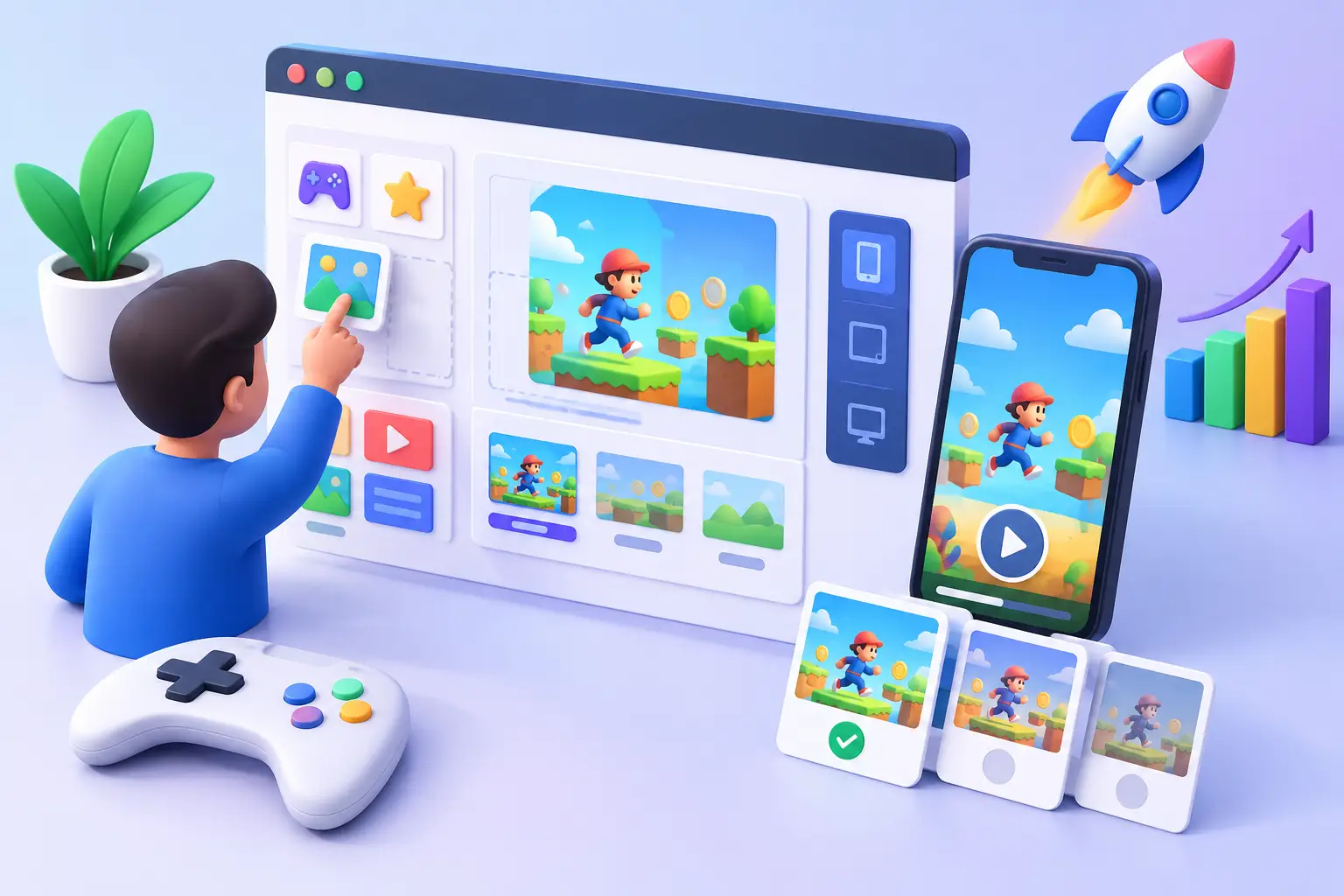
A promising new gameplay concept should not spend days or weeks waiting for design handoffs, engineering support, and QA before it reaches an ad network. A no-code playable ad builder gives user-acquisition teams a faster path: turn a proven creative angle into an interactive unit, test it, and learn whether users respond before the campaign window closes.
For mobile marketers, the appeal is not simply skipping code. It is gaining control over creative volume and iteration. When every playable requires a developer, a simple change to the opening scene, reward copy, color treatment, or call to action can become a production request. When the team can make that change directly, the testing backlog can shrink.
Why playable production becomes a growth bottleneck
Traditional playable ads sit at the intersection of several teams. Marketing defines the concept. An artist prepares assets. A developer builds the interaction and export. QA checks touch behavior, load time, orientation, and network requirements. Each role is valuable, but the sequence becomes expensive when a campaign needs multiple concepts, multiple variants, and fast answers.
The real cost is often opportunity cost. By the time a playable is ready, the video hook that inspired it may have already peaked. A competitor may have moved into the same concept. Or the media-buying team may be left running a single interactive creative because there is no capacity for meaningful A/B testing.
A no-code workflow changes the operating model. Instead of treating every playable as a custom software project, teams can treat many of them as repeatable performance creative. That does not mean every ad should be templated or simplified. It means the production effort should match the question being tested.
What a no-code playable ad builder should actually do
A capable no-code playable ad builder should do more than place buttons on a screen. It should let teams build the core experience a prospect needs to understand in seconds: the premise, the action, the reward, and the reason to install.
For a puzzle game, that might mean dragging pieces into the right slot, then showing the satisfying outcome. For a merge title, it may be combining objects until a higher-value item appears. For an app outside gaming, it could be selecting preferences, previewing a feature, or completing a short before-and-after interaction.
A useful builder should give nontechnical users a visual way to manage scenes, assets, text, interactions, and end cards while preserving enough control for more advanced teams. You should be able to swap art, adjust timing, edit game logic, and reuse components without rebuilding the entire creative.
That flexibility matters because performance rarely comes from one perfect concept. It comes from a system that produces informed variations. One version might lead with a fail moment. Another might lead with a reward. A third might use the same interaction but change the visual theme, difficulty, or promise on the end card.
Start with the test, not the template
Templates are valuable because they remove setup work. They are not a substitute for a creative hypothesis. Before opening the editor, define what you want to learn.
Is the audience more responsive to a simple one-tap mechanic or a more involved mini-level? Does the visual fantasy of the game pull stronger clicks than the challenge? Will a quick win improve engagement, or does a near-fail create more curiosity? These questions should shape the build.
A template should accelerate execution after the team has chosen the question. If it forces the concept into a mechanic that does not fit the product, it can create a polished but misleading experience. That may drive clicks without supporting quality installs.
A practical workflow from existing assets to launch
Many playable ads can start from creative that already exists: a high-performing video, static concept, gameplay capture, or store-page visual. The goal is to identify the moment that could become interactive.
1. Find the interaction inside your best creative
Watch the source asset with one question in mind: where does the viewer most want to take over? It may be choosing the right upgrade, avoiding an obstacle, opening a reward chest, or fixing an obvious mistake.
Keep the first interaction clear. A playable ad has very little time to explain itself, especially in feed environments. If users need a tutorial to understand the gesture, reduce the number of choices or use familiar visual cues such as arrows, highlighted targets, and direct prompts.
Video-to-playable workflows can be especially useful here. Use the video to establish the context and visual pace, then hand control to the user at the high-interest moment. This preserves the hook that already worked while adding the participation that makes a playable different.
2. Build a short, honest experience
The goal is not to recreate the full app. It is to create a small, satisfying proof of the experience. For many concepts, one meaningful interaction and a clear payoff can be enough to communicate the core idea.
Honesty matters. If the playable promises a mechanic that does not exist after install, teams may see short-term engagement without the same experience being delivered after the install. The most durable playables amplify a real product loop, visual style, or user benefit. They set expectations that the app can meet.
3. Create variants where they count
Do not spend your iteration budget changing every element at once. Keep the core interaction stable and vary one major variable: the opening hook, difficulty, theme, reward, prompt, or end-card message.
This makes results easier to interpret. If one version performs better, the team can investigate why and use that learning in the next round. If every scene, asset, and message changes at once, the data becomes much less actionable.
Reusable asset libraries and customizable templates make this work practical. A team can keep the same interaction structure while adapting art, copy, and brand elements for new seasons, geographies, audience segments, or campaign themes.
4. Preview like a user, then validate like a publisher
A playable can look correct in an editor and still fail where it matters. Preview on the device types and orientations your campaign will serve. Check whether the first instruction is readable, whether taps register naturally, and whether the end card appears at the right moment.
Then validate the technical package. HTML size, asset loading, click-through behavior, MRAID handling, and network-specific rules can affect approval and delivery. An MRAID validator is not the glamorous part of creative production, but it can help catch technical issues before submission and reduce avoidable rejection cycles.
5. Export for the channels you are buying
Network requirements are not interchangeable. A creative that works for one environment may need different settings, dimensions, or validation for another. Build your workflow around export readiness for the channels that matter to your media plan, whether that includes AppLovin, Meta, Google, TikTok, Unity, ironSource, Moloco, Liftoff, or Snapchat.
The goal is simple: build once, adapt intentionally, validate the package, and send it to launch without a last-minute engineering queue.
Where no-code is the right choice and where it is not
No-code builders can be particularly useful for rapid concept validation, scalable production, proven interaction patterns, localized variants, and creative refreshes. They help marketers and artists move independently while giving developers a cleaner role in the exceptions that truly need custom work.
There are cases where custom development still makes sense. A highly original mechanic, complex physics, unusual integrations, or a brand experience with strict bespoke requirements may need dedicated technical attention. The point is not to force every idea into a builder. The point is to stop using a custom-development process for work that is fundamentally repeatable.
Teams can use a hybrid model: no-code production for much of the testing and iteration, with developer time reserved for concepts that require deeper technical investment. This can help teams balance production speed with more ambitious creative work.
Build a creative system, not a one-off ad
The biggest advantage of a platform such as PlayableMaker is not one exported file. It is the ability to build a repeatable library of scenes, assets, interactions, and winning patterns that the whole growth team can use.
Over time, that library can become a performance asset. The team learns which openings earn attention, which interactions turn curiosity into intent, and which end-card messages perform differently across networks and audiences. New campaigns can then begin with previous learnings instead of a blank canvas.
When a video or creative concept starts showing traction, consider turning its most compelling moment into something users can interact with. Build a focused playable, test meaningful variations, measure the response, and use those learnings to decide what to build next.