TL;DR:
- Mobile gaming CPI is rising, but no-code interactive ads significantly improve engagement and efficiency.
- Clear objectives, audience segmentation, and thorough QA are essential for successful playable ad campaigns.
- Regular creative refreshes and early testing are key to avoiding fatigue and optimizing ROAS.
Mobile ad budgets are under more pressure than ever, and gaming CPIs in 2026 average £4.22 on iOS and £2.97 on Android, with RPG titles pushing well above those figures. Creative fatigue compounds the problem, eroding campaign performance faster than most teams can refresh assets. The good news is that no-code interactive ads are changing the equation. Playable ads now deliver an installs-per-mille (IPM) of 4.8 compared to 2.9 for standard video, and their click-through rates sit between 2% and 3.8%. This guide walks you through everything you need: prerequisites, a step-by-step launch process, common mistakes to avoid, and how to measure and optimise results.
Table of Contents
- What you need to launch effective mobile ads
- A step-by-step guide to launching playables
- Common mistakes and troubleshooting tips
- Measuring success and optimising your campaigns
- What most guides miss about launching mobile ads for games
- Effortless interactive ads with PlayableMaker
- Frequently asked questions
Key Takeaways
| Point | Details |
|---|---|
| No-code tools save time | Launching interactive ads for games is now possible without development resources using dedicated no-code platforms. |
| Playables outperform traditional ads | Playable ads deliver higher IPM, better retention, and stronger ROI for most game genres in 2026. |
| Broad targeting improves scaling | Start with wide audience and creative tests—let ad platform AI optimise for performance over time. |
| Frequent refresh lowers cost | Updating creative weekly can reduce CPI by up to 20% and sustain engagement. |
What you need to launch effective mobile ads
Before building a single asset, clarity on objectives is essential. Are you optimising for volume installs, day-7 return on ad spend (D7 ROAS), or long-term lifetime value (LTV)? Each goal shapes your creative approach, bidding strategy, and the metrics you’ll prioritise. Without this foundation, even technically flawless ads will underperform.
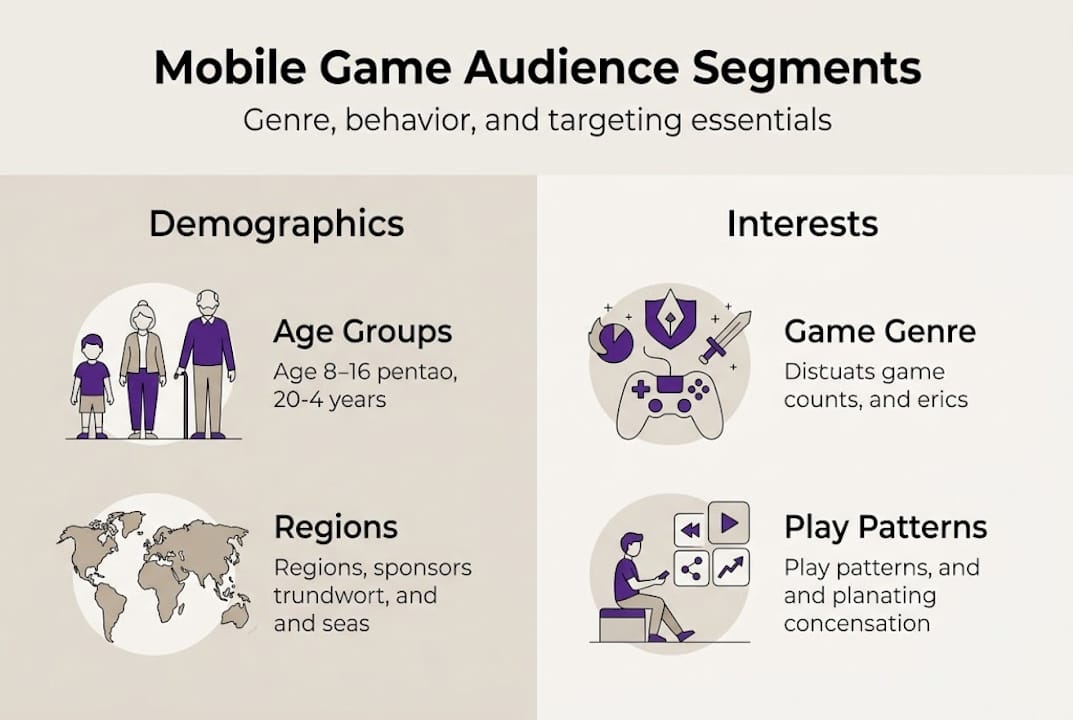
Audience definition is equally critical. For gaming, this means going beyond basic demographics. Genre-based segmentation matters enormously: a puzzle game audience behaves very differently from an RPG player base. Pair genre targeting with behavioural signals such as session frequency and in-app purchase history to sharpen your reach. Solid audience targeting strategies at this stage will save significant budget later.
Asset preparation is the next layer. You’ll need high-quality game captures, character art, UI screenshots, and brand elements. Sound design, whilst optional on some platforms, meaningfully improves engagement when triggered post-interaction. Keep assets modular so you can swap them quickly during creative refreshes.
Choosing the right platform matters too. No-code ad creation tools remove the need for developer involvement entirely, reducing both cost and production time. Pair your creation platform with a mobile measurement partner (MMP) such as Adjust or AppsFlyer, and set up UTM parameters before you launch. Reviewing ad formats for games will help you decide which interactive format suits your genre best.
A step-by-step creation process follows a clear sequence: define objectives and audience, select assets, design mechanics in a no-code tool, add tracking, then test and optimise variants. Understanding this flow before you start prevents costly rework.
Quick-reference requirements table
| Requirement | Detail |
|---|---|
| Objectives and KPIs | IPM, CTR, CPI, D7 ROAS |
| Audience segmentation | Genre, behaviour, demographics |
| Creative assets | Screenshots, characters, UI, sound |
| No-code platform | Drag-and-drop playable builder |
| Tracking setup | MMP, UTM parameters, event triggers |
| Market intelligence | Effective market analysis |
Pro Tip: Conduct a brief market analysis on competing titles before finalising your creative direction. Understanding what your target players already respond to is far more valuable than guessing.
A step-by-step guide to launching playables
With everything ready, here’s how to take your mobile ad from idea to live campaign.
Step 1: Define objectives and audience. Set your primary KPI before anything else. Decide whether you are optimising for installs, ROAS, or LTV. Map your audience by genre preference, behavioural patterns, and device type.
Step 2: Prepare your assets. Gather game screenshots, character art, UI elements, and any audio clips. Ensure all files are correctly sized and formatted for the platforms you intend to use.

Step 3: Build in a no-code platform. Assemble your playable mechanic using drag-and-drop tools. Replicate a short, satisfying loop from your core gameplay. Keep the interactive element simple and rewarding within 15 to 30 seconds.
Step 4: Add analytics and install tracking. Integrate your MMP and configure event triggers for key actions such as ad completion, CTA taps, and installs. Without this, your data will be incomplete from day one.
Step 5: Upload to ad networks. HTML5 playable ads are accepted as ZIP or HTML files (maximum 5MB) across Google App Campaigns, Meta Ads Manager, Unity/ironSource, and AppLovin. Sound should be triggered post-interaction rather than auto-playing. Each network then runs automated optimisation across its inventory.
Step 6: QA in a live preview environment. Test load times, interactive responsiveness, and compatibility across devices. Check that all tracking fires correctly before spending a single pound.
Step 7: Go live on a test budget. A small initial spend validates your tracking and surfaces early performance signals. Review the data before scaling. For HTML5 ad creation, understanding file structure and size limits will prevent upload errors.
Platform creative specs
| Platform | Format | Max size | Sound |
|---|---|---|---|
| Google App Campaigns | HTML5 ZIP | 5MB | Post-interaction |
| Meta Ads Manager | HTML5 ZIP | 5MB | Post-interaction |
| Unity / ironSource | HTML5 ZIP | 5MB | Optional |
| AppLovin | HTML5 ZIP | 5MB | Optional |
Pro Tip: Start with broad targeting and multiple creative variants. Platform algorithms are highly effective at identifying your best-performing audiences when given sufficient creative volume to test against.
Common mistakes and troubleshooting tips
Even with the right process, certain pitfalls can undermine your campaign. Here’s how to avoid them.
Top 5 common launch mistakes
- Missing tracking pixels or events. Always verify MMP integration in a staging environment before going live. A misfiring event means lost attribution data that cannot be recovered retroactively.
- Overly narrow targeting from the start. Restricting your audience too tightly limits the data volume needed for platform AI to optimise. Start broad and let the algorithm refine.
- Ignoring creative fatigue. Playables fatigue more slowly than static or video ads, but they still fatigue. Failing to refresh creatives inflates CPI and reduces IPM over time.
- Genre and creative mismatch. Casual and RPG titles benefit most from playable formats. Hypercasual titles may perform better with video in the short term. Test per genre rather than assuming one format fits all.
- Skipping the QA step. Uploading without a live preview check leads to broken interactions, oversized files, and wasted spend on non-functional ads.
Troubleshooting checklist
- Failed upload: Confirm file size is under 5MB and the HTML entry point is correctly named
- Analytics misfiring: Re-check event trigger configuration in your MMP dashboard
- Low IPM: Review whether the core mechanic is engaging within the first five seconds
- High CPI: Assess whether repurposing ad creatives from existing assets could accelerate refresh cycles
Weekly creative refreshes can lower CPIs by 15 to 20%, according to the Liftoff Mobile Ad Creative Report. Interactive formats also pre-qualify users at a 35% higher retention rate compared to passive video.
Thinking about how your ads fit into the broader mobile gaming experience players expect is also worth your time. Ads that feel native to the genre convert and retain far better than generic creatives.
Pro Tip: A hybrid approach combining 50% video and 30% playable formats delivers both scale and quality installs. Neither format alone achieves what the combination can.
Measuring success and optimising your campaigns
With your ads live, here’s how to interpret results and maximise your return.
The four metrics that matter most for gaming campaigns are IPM, CTR, CPI, and D7 ROAS. IPM tells you how compelling your creative is relative to impressions. CTR reflects the quality of your call to action. CPI determines acquisition efficiency. D7 ROAS shows whether the users you are acquiring actually generate value within the first week.
Playables deliver an IPM of 4.8 compared to 2.9 for video, which means more installs from the same impression volume. That gap compounds quickly at scale.
Optimisation loop
- Run a test spend and collect at least 50 installs per creative variant before drawing conclusions
- Review IPM, CTR, and CPI data to identify your strongest performer
- Update underperforming creatives and adjust targeting based on early signals
- Relaunch the updated set and monitor D7 ROAS closely
- Scale budget on variants that hit your benchmark metrics
Privacy-first targeting principles
- Prioritise genre-based and behavioural targeting over device ID reliance, given ongoing privacy changes
- Use value-based bidding on platforms such as Meta, Google UAC, and TikTok to attract higher-LTV users
- Session pattern data remains a strong behavioural signal even in privacy-constrained environments
- Broad initial targeting combined with creative volume allows platform AI to do the heavy lifting
The impact of getting this right is significant. InnoGames cut Android CPI by 85%, reducing cost per install from £50 to £8, by combining AI-driven DSP targeting with well-matched creatives. That result came from correct audience setup, not just creative quality alone.
For a deeper look at audience targeting for mobile gaming, the principles of genre segmentation and behavioural bidding are worth studying before you scale. Understanding how to maximise ROI through structured research also informs smarter budget allocation decisions.
Pro Tip: Launch with a small budget and scale only on real performance data. Gut feeling is expensive in mobile UA. Let the numbers tell you when to accelerate.
What most guides miss about launching mobile ads for games
Process guides are abundant. What they rarely address is why so many well-executed campaigns still plateau. The answer usually lies not in the process but in creative ambition and timing.
Most teams over-optimise for CPI and under-invest in user quality. A lower CPI means nothing if the users you acquire churn within 48 hours. LTV and D30 retention deserve equal attention, yet they rarely appear in launch checklists.
Rapid creative iteration consistently outperforms granular targeting tweaks. Swapping a core mechanic or visual theme in a playable, guided by mobile game ad examples that are already resonating in your genre, will move the needle faster than refining a bid strategy by 5%.
Being an early adopter of new interactive formats also delivers compounding returns. When a format is new, competition is low and costs are favourable. The brands that embraced playables early captured those gains before the market caught up. The same logic applies now to emerging interactive formats. Creative iteration in gaming ads is not just a cost-saving tactic. It is a competitive strategy.
Effortless interactive ads with PlayableMaker
If you’re ready to build best-in-class interactive game ads with no coding, explore these next steps.
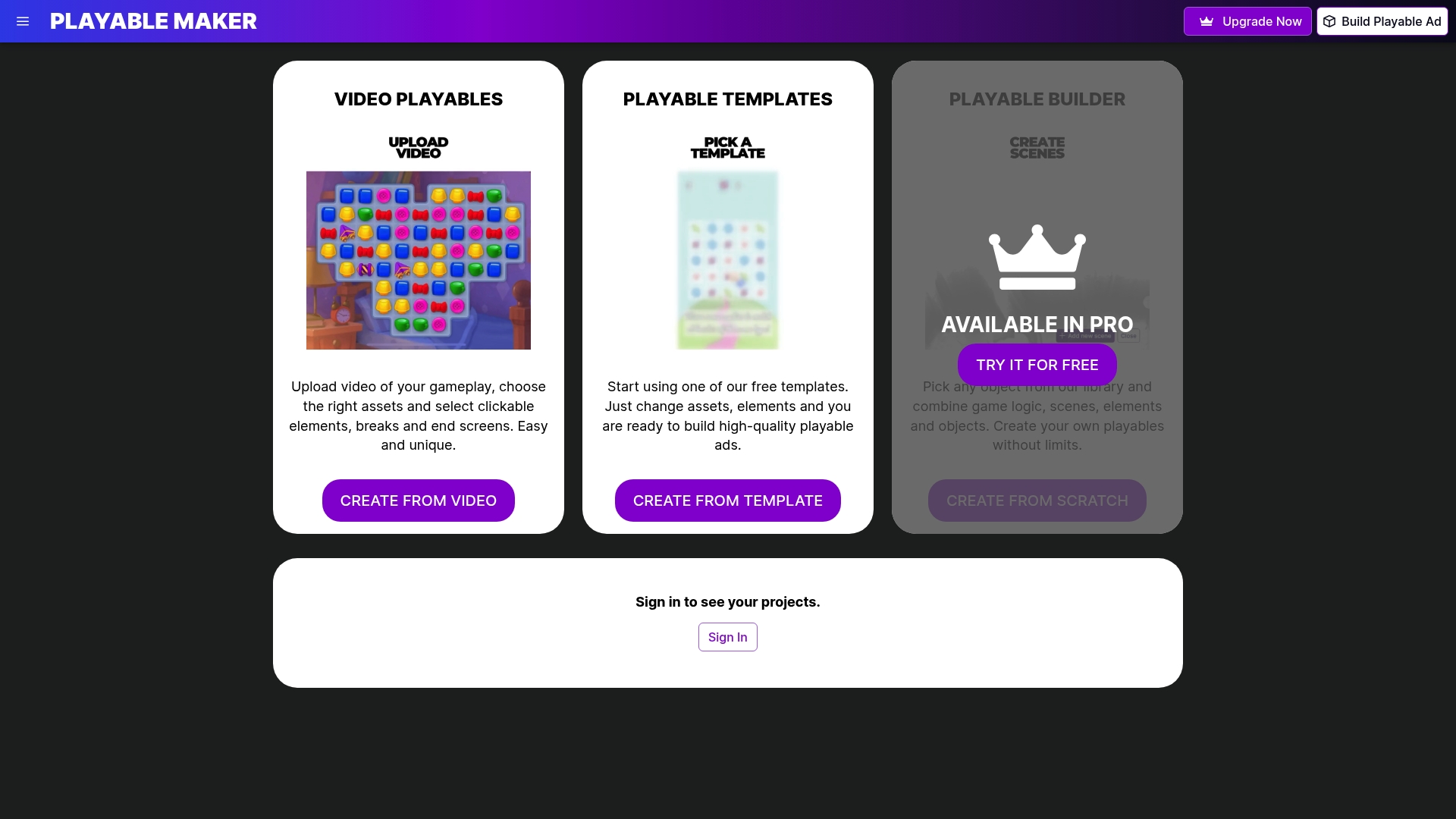
PlayableMaker gives mobile marketing managers and user acquisition teams a drag-and-drop platform to build, test, and deploy playable ads without involving developers. No lengthy production cycles, no inflated creative budgets. You can iterate rapidly, refresh creatives weekly, and scale what works. Explore how playable ads transform engagement and understand why playables work psychologically to get the most from your campaigns. Start a free trial and see how quickly you can move from concept to live ad.
Frequently asked questions
What is the minimum budget to test mobile ads for a game?
Most experts recommend starting with £500 to £1,000 per test campaign and region to collect enough data for meaningful decisions. Broad targeting combined with creative volume gives platform algorithms the best conditions to optimise.
Which ad format works best for mobile game installs in 2026?
Playable ads outperform video for casual and RPG genres on IPM and ROAS, whilst video may suit hypercasual titles better over a 30-day window. Testing per genre remains the most reliable approach.
How can I avoid creative fatigue in my mobile ad campaigns?
Refresh creatives weekly and maintain a mix of video and playable formats. Weekly refreshes reduce CPI by 15 to 20% and keep conversion rates stable over time.
Do I need coding skills to launch interactive ads for games?
No. Modern no-code platforms allow you to design mechanics and add tracking without writing a single line of code, making interactive ad creation accessible to any marketing team.
What tracking should I set up for a mobile ad campaign?
Always configure a mobile measurement partner and set UTM parameters before launch to accurately attribute installs and measure ROAS across all networks.
Recommended
- How to Repurpose Ad Creatives for Mobile Gaming Success – playablemaker.com How to Repurpose Ad Creatives for Mobile Gaming Success
- Ad A/B Testing Guide for Higher Mobile Game ROI – playablemaker.com Ad A/B Testing Guide for Higher Mobile Game ROI
- Mobile Game Ad Tutorials: Build Playable Ads Easily – playablemaker.com Mobile Game Ad Tutorials: Build Playable Ads Easily
- 7 Essential Ad Design Tips for Mobile Games in 2025 – playablemaker.com 7 Essential Ad Design Tips for Mobile Games in 2025
- Building a Smart Digital Marketing Strategy – Veridata Insights