
Reaching the right players with YouTube ads can make or break your mobile game’s success. Most advertisers simply spray their message out and hope for the best. Yet targeted campaigns see results, with some marketers slashing acquisition costs by over 50 percent through segmentation and testing. The secret is not broadcasting to everyone but building a smarter system that adapts to real player behaviour at every step.
Table of Contents
- Step 1: Define Your Audience Segmentation Criteria
- Step 2: Set Up Your YouTube Ads Account
- Step 3: Create Compelling Ad Content For Target Segments
- Step 4: Execute Targeted Campaigns Using YouTube’s Features
- Step 5: Monitor And Analyse Campaign Performance
- Step 6: Adjust Targeting Based On Data Insights
Quick Summary
| Key Point | Explanation |
|---|---|
| 1. Define Audience Segmentation | Use data on demographics and psychographics to create player personas for targeted marketing. |
| 2. Set Up YouTube Ads Account | Link your Google Ads account with your YouTube channel for effective campaign management. |
| 3. Create Engaging Ad Content | Craft ads that highlight unique game features tailored to audience motivations for higher engagement. |
| 4. Execute Targeted Campaigns | Leverage YouTube’s targeting features, including custom intent and affinity audiences, for better ad placement. |
| 5. Continuously Monitor Performance | Use analytics to track key metrics and adjust strategies for improved audience targeting and ad effectiveness. |
Step 1: Define Your Audience Segmentation Criteria
Audience segmentation is the foundational strategy that transforms generic YouTube ads into precision-targeted marketing missiles for mobile game user acquisition. When you understand precisely who your potential players are, you create ads that speak directly to their interests, motivations, and gaming preferences.
Begin by gathering comprehensive data about your mobile game’s potential audience. This means diving deep into demographic characteristics such as age, gender, location, and income levels. However, for mobile game advertising, you’ll want to go beyond surface-level metrics. Consider psychographic elements like gaming habits, genre preferences, spending patterns, and player motivations.
Utilize analytics tools like Google Analytics and platform-specific audience insights to construct detailed player personas. These personas will help you understand not just who your players are, but why they might be interested in your game. For instance, a strategy game might attract analytical players who enjoy complex decision-making, while a casual puzzle game might appeal to stress-relief seekers looking for quick entertainment.
Your segmentation should include several key dimensions:
- Behavioral Segmentation: Player engagement levels, preferred game genres, in-app purchasing history
- Technological Segmentation: Device types, operating systems, network connectivity
- Motivational Segmentation: Competitive players, social gamers, narrative enthusiasts
Cross-reference these dimensions to create nuanced audience segments. A 25-35 year old professional who plays strategy games on high-end Android devices will require a different ad approach compared to a teenage casual gamer using an entry-level smartphone.
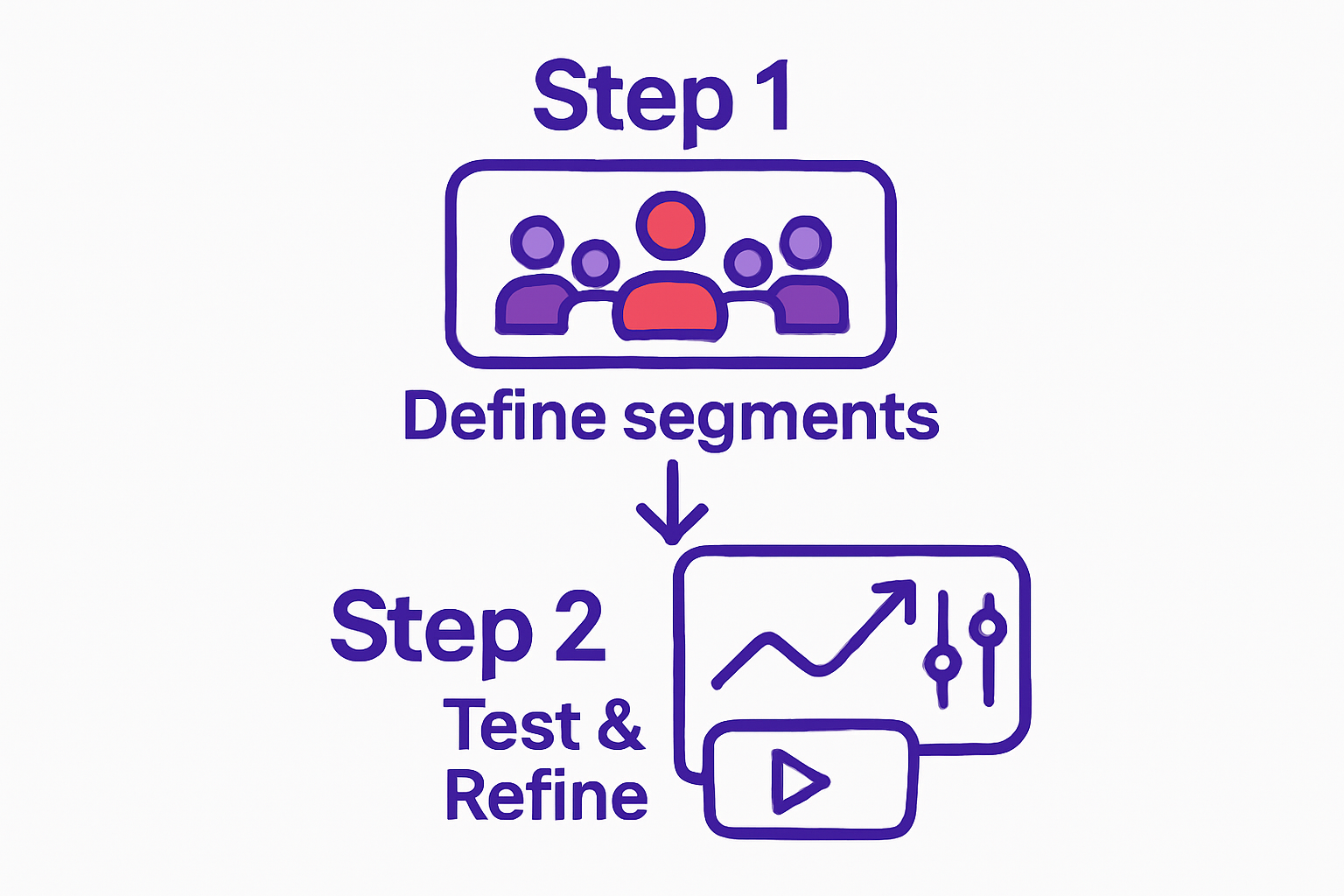
Verify your segmentation by running small-scale test campaigns and analyzing engagement metrics. Look for indicators like click-through rates, view duration, and conversion rates to validate your audience targeting strategy. Remember, effective segmentation is an iterative process that requires continuous refinement based on real-world performance data.
Step 2: Set Up Your YouTube Ads Account
Setting up your YouTube Ads account is the crucial gateway to launching targeted mobile game advertisements. This step transforms your marketing strategy from theoretical planning to actionable implementation. You will need a Google Ads account linked to your business YouTube channel to begin the process.
Start by navigating to Google Ads and creating a new account using your professional email address. Ensure you select the correct billing country and currency to avoid future complications. When prompted, choose ‘Video’ as your primary campaign objective, which will optimize your settings for mobile game advertising.
Connect your YouTube channel to the Google Ads platform by verifying ownership. This involves adding a few lines of verification code or uploading a specific video to prove channel control. Verification is non-negotiable for running effective video advertisements, so pay close attention to each authentication step.
Your account setup requires detailed business information. Be prepared to provide:
- Legal business name
- Tax identification number
- Billing address
- Payment method
- Primary contact information
Once your account is established, configure your payment settings carefully. YouTube offers multiple billing options, including automatic payments and manual payments. For mobile game advertisers managing potentially high-volume campaigns, automatic payments with spending limits can provide better financial control and prevent unexpected charges.
Configure your account-level tracking and conversion settings to ensure precise performance measurement. Link your Google Analytics and set up conversion tracking specifically for mobile game app installations. This will help you understand which ad variations drive the most player acquisitions.
The following table summarises the key setup elements required when establishing your YouTube Ads account, outlining the purpose of each and providing practical notes for mobile game advertisers.
| Account Setup Element | Purpose | Notes for Mobile Game Advertising |
|---|---|---|
| Google Ads Account | Central platform for campaign management | Use a professional email; ensures access to advanced targeting features |
| YouTube Channel Link | Enables video ad placements and tracking | Verification is required for ad delivery; tie campaigns to official channel |
| Business Information | Confirms legitimacy for ad payments | Includes legal name, tax details, and billing address |
| Payment Method | Facilitates campaign expenditure | Choose between manual or automatic with spend limits for budget control |
| Campaign Objective: Video | Optimises ad formats for video delivery | Selects best options for mobile game promotion |
| Tracking & Conversion Setup | Measures ad performance and installations | Link Google Analytics and set up app install conversion tracking |
Verify your account setup by creating a test campaign with a minimal budget. Run a short advertisement targeting your predefined audience segments and monitor initial performance metrics. Successful setup will be indicated by smooth ad delivery, proper tracking implementation, and initial engagement data that aligns with your targeting strategy.
The table below presents a checklist of key verification and validation steps to ensure your YouTube Ads are set up for success, allowing for smooth campaign launches and reliable performance tracking.
| Verification Step | Description | Completion Criteria |
|---|---|---|
| Account Verification | Confirm Google Ads and YouTube channel ownership | Ads can be published; platform shows channel as verified |
| Business Details Entry | Provide accurate business and contact information | Account reflects updated legal and billing information |
| Payment Setup | Configure and confirm payment method | Bank card or payment option active and billing confirmed |
| Tracking Implementation | Set up analytics and conversion tracking | Conversions and events registered in Google Ads and Analytics |
| Test Campaign Launch | Deploy a minimal ad budget to verify setup | Ad delivers impressions, and basic results appear in dashboard |
| Ad Delivery Confirmation | Ensure ads run to intended audience segments | Early metrics (impressions, clicks) visible in reporting tools |
Step 3: Create Compelling Ad Content for Target Segments
Creating compelling ad content is the strategic heart of your YouTube mobile game marketing campaign. Your advertisement must not just capture attention, but instantly communicate the unique value proposition of your game within the first few seconds. Understanding the psychological triggers that motivate different player segments is crucial for crafting content that resonates.
Design your video content to match the specific motivations of each audience segment you identified earlier. For competitive players, showcase high-intensity gameplay moments that highlight skill and strategic depth. For casual gamers, emphasize simplicity, fun, and quick engagement potential. The visual narrative should feel like a mini-experience that makes viewers want to download and play immediately.
Learn more about interactive ad strategies that can transform your YouTube advertising approach. Interactive elements can significantly increase viewer engagement and provide a more immersive preview of your game’s mechanics.
Pay meticulous attention to technical production quality. Ensure your video has:
- Crisp, high-resolution graphics
- Smooth gameplay footage
- Clear audio with engaging sound effects
- Concise on-screen text explaining key game features
Structure your advertisement with a clear narrative arc. Start with a hook that captures immediate interest – perhaps a dramatic gameplay moment or an unexpected game mechanic. Follow this with a brief demonstration of core gameplay, showing what makes your mobile game unique. End with a clear call-to-action that encourages immediate app store installation.
Consider creating multiple ad variations tailored to different audience segments. A 25-year-old strategy game enthusiast might respond to a different visual style compared to a teenage casual gamer. Experiment with different emotional tones – some players might be motivated by competitive achievement, while others seek relaxation or social connection.
Verify your ad’s effectiveness by monitoring key performance indicators. Look for metrics like view rate, click-through rate, and conversion rate. A successful ad will not just attract views, but drive actual game installations. Be prepared to iterate quickly, testing and refining your content based on real-world audience response.
Step 4: Execute Targeted Campaigns Using YouTube’s Features
Executing targeted campaigns on YouTube requires strategic use of the platform’s advanced targeting capabilities. Your goal is to transform broad audience potential into precise, conversion-driven advertising that speaks directly to potential mobile game players. Precision targeting is your most powerful weapon in cutting through the digital noise and reaching engaged users.
Begin by leveraging YouTube’s robust audience targeting options. Utilize custom intent audiences that allow you to target viewers based on their recent search behaviors and content consumption patterns. For mobile game advertising, this means identifying users who have recently searched for gaming-related content, watched gameplay videos, or explored similar game genres.
Explore the nuanced targeting features available in Google Ads. Combine demographic targeting with interest-based and behavioral targeting to create multilayered audience segments. For instance, target young adults interested in strategy games who have previously engaged with gaming content, narrowing your audience to the most likely potential players.
Your targeting strategy should include:
- Affinity audiences related to gaming and entertainment
- Custom intent audiences based on gaming-related search terms
- Remarketing lists from previous game installations or website visitors
- Similar audience expansions to reach users with comparable profiles
Consider using placement targeting to position your ads on specific gaming channels, walkthrough videos, and esports content. This approach ensures your mobile game advertisement appears in contexts where potential players are most likely to be receptive.
Monitor and adjust your targeting parameters continuously. YouTube’s advertising platform provides real-time performance metrics that allow you to refine your approach dynamically. Pay close attention to audience engagement rates, watching for signals that indicate which targeting combinations generate the most app installations.
Verify campaign success by tracking key performance indicators such as view rate, click-through rate, and most critically, conversion rate for app installations. A successful targeting strategy will show progressively improving metrics, demonstrating your ability to reach and convert the right audience for your mobile game.
Step 5: Monitor and Analyse Campaign Performance
Monitoring and analysing campaign performance is the critical feedback mechanism that transforms your YouTube ads from static advertisements into dynamic, intelligent marketing tools. Performance analysis is not just about reviewing numbers, but understanding the story behind those metrics. Your goal is to develop a comprehensive understanding of how different audience segments interact with your mobile game advertisements.
Utilize Google Ads and YouTube Analytics dashboards as your primary performance tracking tools. These platforms provide granular insights into key performance indicators like view rate, click-through rate, conversion rate, and cost per installation. Pay special attention to audience retention metrics – they reveal how compelling your ad content is across different viewer segments.
Establish a systematic approach to performance review. Create a weekly analysis routine where you deep dive into campaign metrics, comparing performance across different audience segments, ad variations, and targeting strategies. Look for patterns that indicate which creative approaches resonate most strongly with specific player demographics.
Key metrics to track include:
- Cost per app installation
- View-through rates
- Audience engagement duration
- Demographic breakdown of interactions
- Conversion rates by targeting segment
Develop a dynamic optimization strategy that allows rapid adjustments based on performance data. If certain ad variations consistently underperform, be prepared to pause those campaigns and reallocate budget to more successful content. This agile approach ensures continuous improvement of your YouTube advertising strategy.
Discover advanced performance tracking techniques that can help you extract deeper insights from your campaign data. Understanding the nuanced signals within your analytics can dramatically improve future targeting and creative decisions.
Implement A/B testing methodically, creating controlled experiments that isolate specific variables like ad length, visual style, or call-to-action messaging. By systematically testing and measuring performance, you transform your YouTube advertising from a static process to an adaptive, intelligence-driven marketing approach.
Verify your analysis process by establishing clear performance benchmarks. A successful monitoring strategy will show consistent improvement in key metrics, reduced acquisition costs, and increasingly precise audience targeting over time. Remember, the most valuable insights often emerge from understanding not just what happened, but why it happened.
Step 6: Adjust Targeting Based on Data Insights
Adjusting targeting based on data insights transforms your YouTube advertising from a static campaign into a dynamic, responsive marketing strategy. The art of refinement lies in understanding the subtle signals within your performance data. Your goal is to create an adaptive targeting approach that continuously evolves based on real-world audience interactions.
Begin by conducting a comprehensive review of your campaign metrics. Look beyond surface-level numbers to identify nuanced patterns in audience behavior. Pay special attention to segments that show unexpectedly high or low engagement rates. These anomalies often reveal hidden opportunities for targeting refinement.
Learn more about interactive targeting strategies that can help you unlock more precise audience connections. The most successful campaigns treat targeting as a living, breathing strategy that adapts in real-time.
Your adjustment strategy should focus on several key areas:
- Demographic segment performance
- Geographic targeting effectiveness
- Device and platform-specific engagement
- Time-of-day and day-of-week variations
- Interest and behavioral targeting precision
Implement a systematic approach to targeting refinement. Create a weekly optimization workflow where you critically analyze performance data and make incremental adjustments. This might involve narrowing audience segments, expanding or contracting geographic targeting, or fine-tuning demographic parameters based on observed conversion patterns.
Utilize YouTube’s advanced audience management tools to create increasingly sophisticated targeting segments. Develop custom audiences that combine multiple targeting signals – such as gaming interests, device usage, and previous interaction history. The more precisely you can define your target audience, the more efficiently you can allocate your advertising budget.
Be prepared to make bold adjustments when data suggests significant misalignment. Sometimes, this means completely restructuring your targeting approach or creating entirely new audience segments based on unexpected insights. Flexibility is your greatest asset in the dynamic world of mobile game advertising.
Verify your targeting refinement by tracking key performance indicators over time. A successful adjustment strategy will show consistent improvements in cost per installation, audience engagement, and overall campaign efficiency.
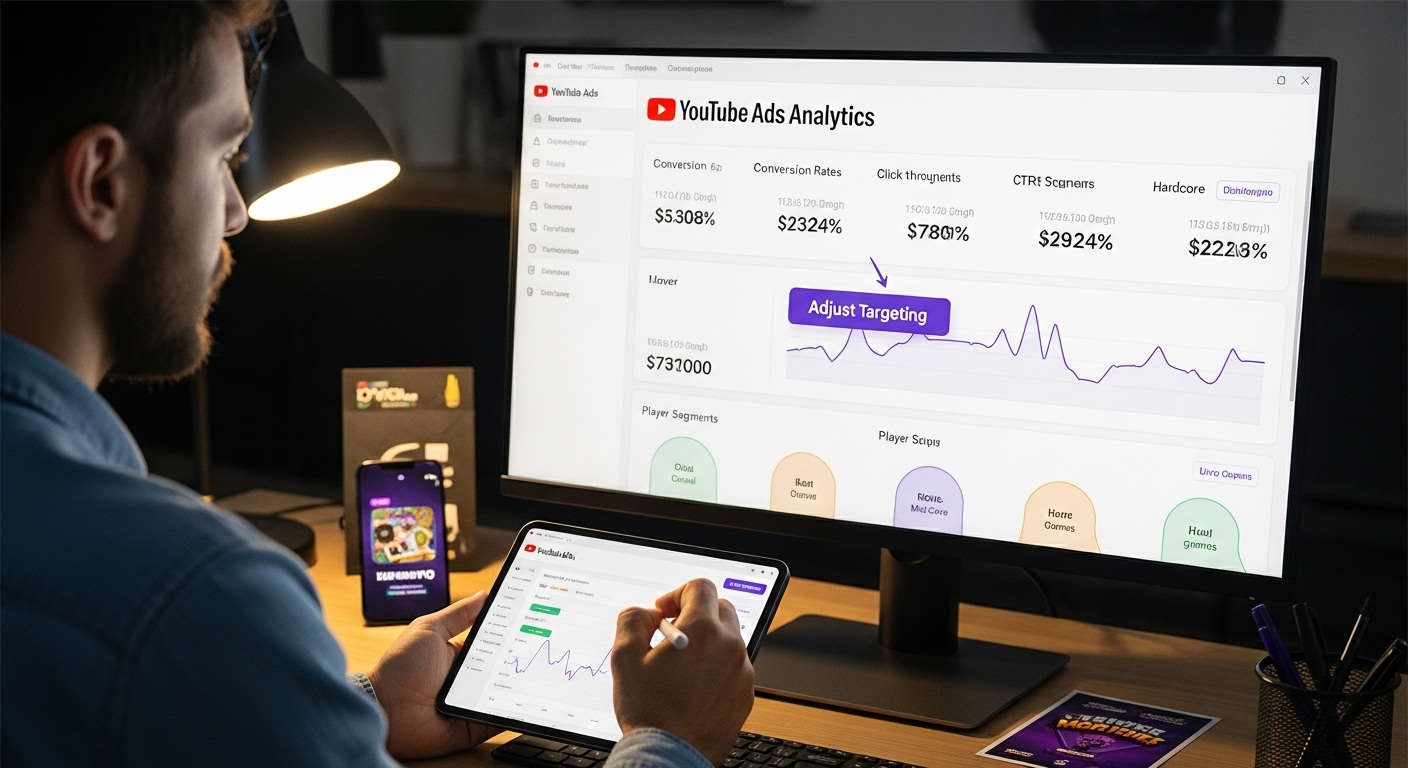 Remember that targeting is an ongoing process of discovery, not a one-time setup.
Take Your YouTube Game Advertising Strategy to the Next Level
Ready to turn your audience segmentation and data-driven targeting into real downloads? The path to successful YouTube ads for mobile games is full of challenges. Many teams struggle with creating interactive, compelling ad content that truly engages their target player segments. Developing playable ads often consumes precious developer time and leads to bloated budgets, making it harder for you to iterate and focus on what truly matters: acquiring valuable players.
Explore powerful ways to act on the targeting and creative insights from this article on our Uncategorized Archives.
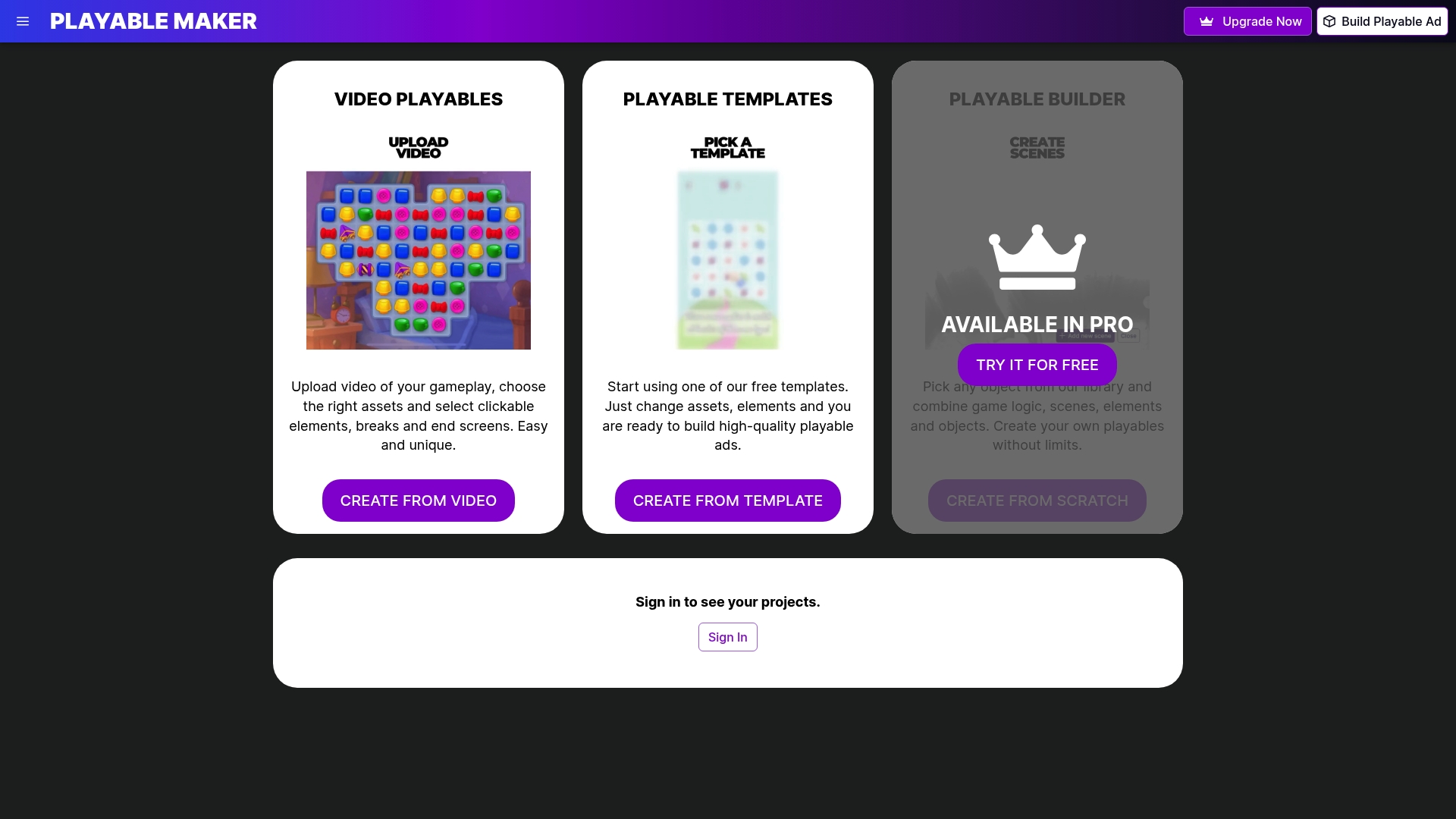
Meet PlayableMaker, the no-code platform that lets you build interactive mobile game ads faster and with zero strain on your technical resources. You can now launch data-driven campaigns and adapt your creatives as quickly as you gain new audience insights. Stop letting production bottlenecks limit your advertising reach. Start creating quality playable ads today with PlayableMaker’s easy solution. The best time to gain a data advantage for 2025 is now.
Frequently Asked Questions
What are the key criteria for audience segmentation in YouTube ads for mobile games?
To effectively target mobile game advertisements on YouTube, consider demographic characteristics like age, gender, and location, as well as psychographic elements such as gaming habits and motivations. Use data from analytics tools to develop detailed player personas.
How can I set up my YouTube Ads account for mobile game marketing?
To set up your YouTube Ads account, create a Google Ads account linked to your business YouTube channel. Select ‘Video’ as your campaign objective and ensure your account is verified for ad delivery. Provide necessary business information and configure the payment settings for your campaigns.
What type of ad content works best for different player segments in mobile gaming?
Ad content should be tailored to the motivations of each player segment. Competitive players may prefer high-intensity gameplay showcasing skill, while casual gamers might respond better to simplicity and fun. Quality production and a clear narrative arc are crucial for engaging content.
How should I monitor and analyse my YouTube ad campaigns?
Use Google Ads and YouTube Analytics to track key performance indicators like view rate, click-through rate, and conversion rate. Establish a systematic review process to analyse campaign performance, focusing on audience engagement and testing various ad variables for optimisation.
Recommended
- The Rising Dominance of Playable Ads in Mobile Marketing – playablemaker.com The Rising Dominance of Playable Ads in Mobile Marketing
- The Evolution of Mobile Game Monetization: Where Do Playable Ads Fit? – playablemaker.com The Evolution of Mobile Game Monetization: Where Do Playable Ads Fit?
- Can Mobile Games Succeed Without In-App Purchases? Lessons from Ad-Driven Models & AAA Marketing – playablemaker.com Can Mobile Games Succeed Without In-App Purchases? Lessons from Ad-Driven Models & AAA Marketing
- Introduction to Playable Ads in Mobile Game Marketing – playablemaker.com Introduction to Playable Ads in Mobile Game Marketing
- How to Optimize Videos for SEO: Boost Your Visibility
- Understanding Social Media Strategy 2025 for Businesses